CHATGPT + BUSINESS
ChatGPT Is Changing: Retiring GPTs, Moving to Plugins, and Knowing When to Build Your Own
Understand ChatGPT model retirements, custom GPT migration to plugins, and when your business should build its own AI application.
By Nansen Systems ·
Sources checked:
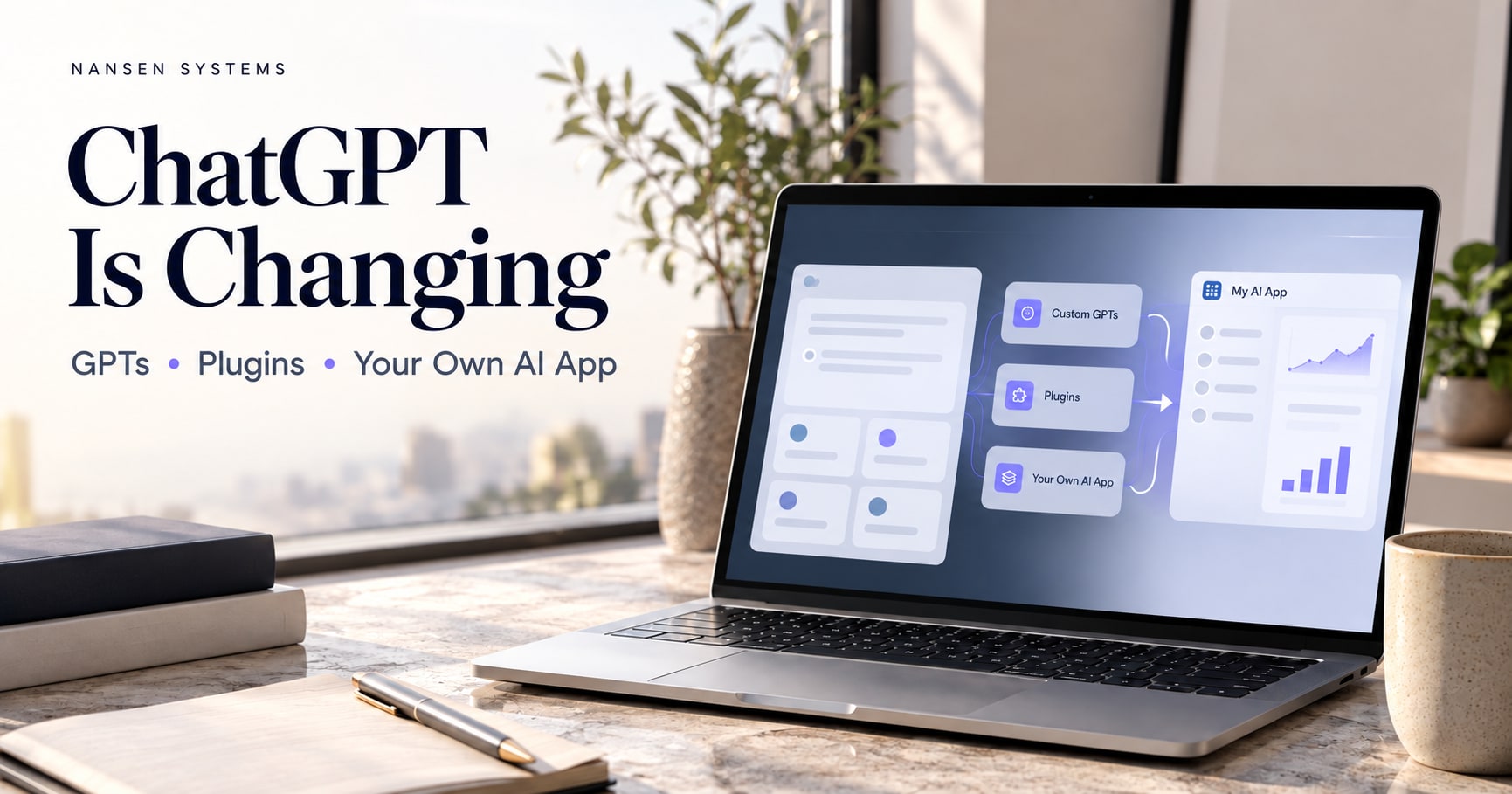
If you use ChatGPT for your business—or have built a custom GPT for your clients—these changes deserve your attention.
OpenAI is changing model availability and moving custom GPT workflows toward plugins. These are separate transitions: replacing the model underneath an assistant is not the same as replacing how that assistant is packaged.
For business owners, the practical questions are straightforward: What will stop working? What can you keep? And should you migrate or build your own application?
First, what is the difference between a model, a GPT and a plugin?
- An AI model is the underlying technology generating responses.
- A custom GPT is a configured assistant with instructions, files and selected capabilities.
- A plugin is a reusable workflow package that can contain skills, connected apps or both. Skills guide how a task is done; connected apps provide supported information or actions.
Changing the model and replacing your custom GPT are separate decisions. OpenAI’s migration guide explains what carries over and what needs testing.
1. Which retirement notices should a business check?
Check the service and the exact model—not just a headline. Availability in ChatGPT, ChatGPT-authenticated Codex and the OpenAI API can differ.
Here are two current, independently documented examples checked on 16 October 2026:
| Notice | Date | What it applies to |
|---|---|---|
| GPT-5.5 retirement | 14 October 2026 | ChatGPT, ChatGPT Work and Codex with ChatGPT sign-in; that notice does not retire the API model. |
| Selected GPT-4o, GPT-4o mini, GPT-4.1 and GPT-4.1 mini snapshots | 14 January 2027 | Scheduled OpenAI API shutdown; consult the exact model IDs in the API deprecation notice. |
These examples are not a complete retirement list. The first is covered in OpenAI’s product updates; the second is in the API deprecation schedule. For the related access-path explanation, read Nansen’s ChatGPT-versus-API guide.
A model retirement is not, by itself, proof that your knowledge files or business records have been erased. Keep your own copies and test the supported replacement instead of assuming the whole workflow remains identical.
What should you do?
- Identify what you actually use. List the models, GPTs, saved prompts and workflows your business depends on.
- Try the available replacement. Run a familiar task and compare the result with an example you previously approved.
- Make your expectations explicit. Specify tone, structure, required information and what the assistant should do when details are missing.
- Check the work that affects customers. Test proposals, calculations, reports and client replies before relying on the replacement.
- Keep your own copies of essential material. Save instructions, reference documents, templates and examples somewhere you control.
A useful test is to choose five recurring tasks and ask: Does the replacement complete each one accurately, consistently and in the format we need?
If you run an API-powered app, check its model’s API retirement schedule separately. A retirement announcement for ChatGPT does not automatically mean the same model has been switched off in the API.
2. How do custom GPTs move to plugins?
OpenAI’s current migration guide explains the transition for Enterprise workspaces and GPT creators. Check the retirement notice and migration option in the account or workspace where your GPT was created. Permissions, availability and rollout can differ.
Check your migration timeline: Availability and deadlines can vary by account or workspace. Follow the current notice shown in your account rather than treating an unverified date as a universal deadline.
The migration brings instructions, knowledge files and connected apps into a reusable plugin. However, migration does not guarantee an identical assistant. The selected model does not transfer, and tools and behavior need testing.
Here is the practical migration process:
- Prepare your GPT. Review its instructions, files and connections. Finish essential changes and publish the version you want migrated. Public sharing is not required.
- Open My GPTs. Under Created by me, select your GPT and choose Migrate to plugin, when available.
- Review and install the replacement. Check its migrated instructions, reference files and connected apps.
- Test familiar tasks and a difficult case. Verify accuracy, formatting, file use and required tools.
- Check access before announcing the switch. Have an intended user install and test the replacement.
After migration, the original GPT remains usable until its retirement but becomes read-only. Make future changes to the plugin. Follow the official migration and testing instructions for the current experience.
Pay particular attention to custom API connections and subscribers
Custom actions do not transfer automatically. A replacement may require an available app or a custom MCP server—a connection that lets the assistant use your system’s tools.
Sharing settings also do not transfer. Replacements start private. Existing GPT users do not automatically receive access to the replacement plugin. Review sharing, installation and any public distribution requirements separately.
For a paid product, test the complete customer journey: access, installation, account connection, payment eligibility and actual use. A successful conversion is only one part of a successful customer transition.
3. Should you migrate—or build your own AI application?
Our recommendation is to decide based on where your customers should work and how much control your business needs.
| Your priority | Route worth considering |
|---|---|
| Keep a workflow inside ChatGPT | Migrate to a plugin and test the replacement. |
| Create a reusable internal process | Build a focused plugin. |
| Offer your own branded customer experience | Build a standalone application. |
| Manage subscriptions, usage allowances and customer dashboards | Build those controls into your own application. |
| Preserve continuity while developing a larger product | Migrate first, then build and test the application. |
These are Nansen’s practical recommendations, not a requirement from OpenAI. A standalone application still depends on its hosting, models and connected services.
4. How do you build a plugin from scratch?
Where plugin creation is enabled, start a conversation, type @, and select Plugin Creator. Explain the task, the information it needs, the output you expect and the rules it must follow.
Add reference files and an example of a good result, then test and refine it. Availability depends on your account or workspace permissions. OpenAI’s Build plugins guide covers the current creation workflow.
Start with one useful workflow. A proposal assistant that reliably produces accurate proposals is a stronger business asset than a broadly described assistant with inconsistent results.
A practical brief includes:
- Purpose: What recurring job should it help with?
- Inputs: Which approved documents or connected tools can it use?
- Output: What should a useful result contain, and in what format?
- Rules: What needs human approval? What should it do when information is missing?
5. What if you want your own AI application?
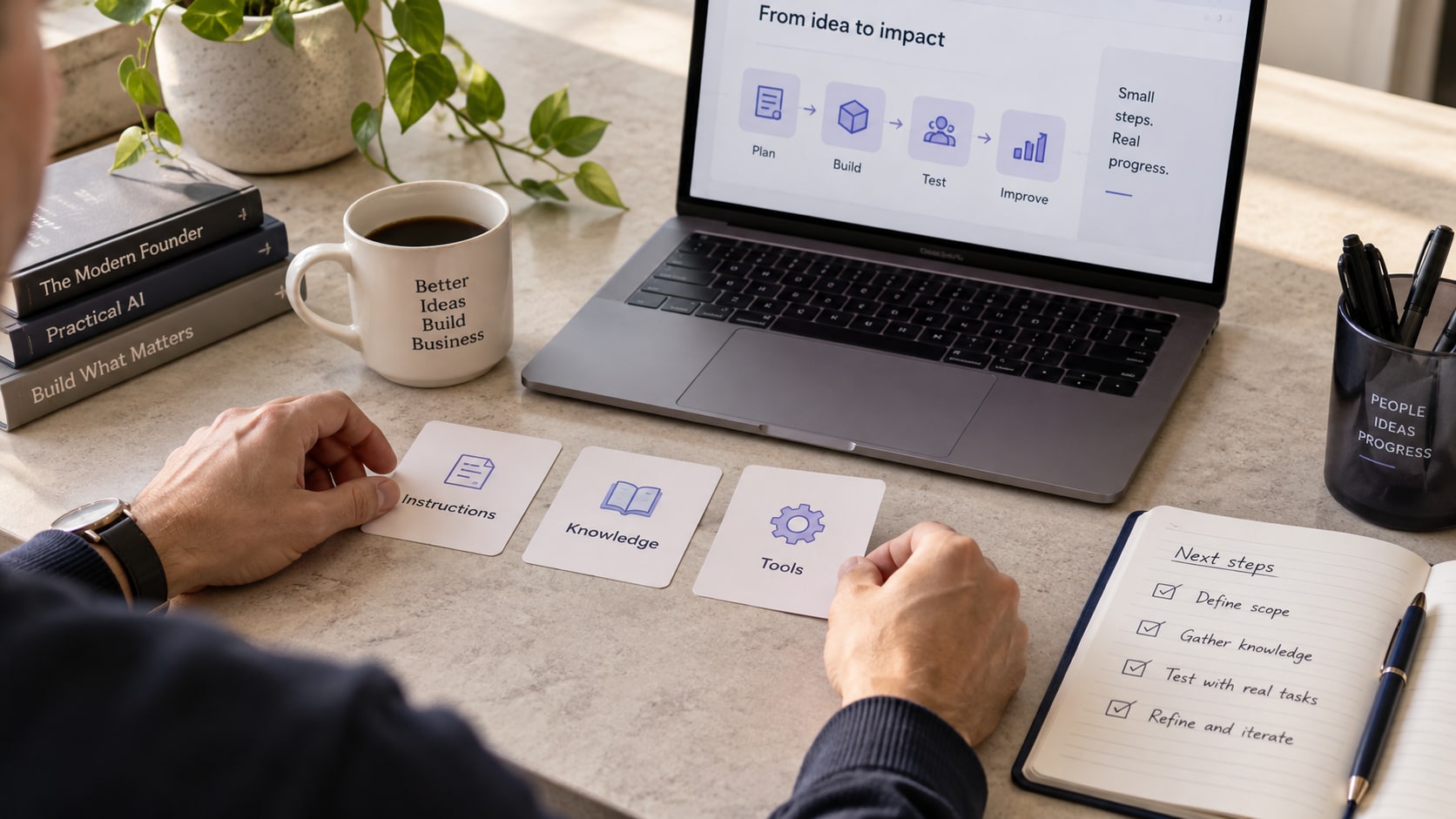
Treat this as a software project with a clear operating plan. Our suggested build sequence is:
- Define the core service. Decide exactly what customers should accomplish.
- Organize your expertise. Prepare instructions, reference material, examples and business rules.
- Build the customer experience. Include the interface, accounts and access controls your service needs.
- Connect the AI and business tools. Recreate required calculations, searches and integrations.
- Control operating costs. Measure cost per completed task, set usage allowances and avoid unnecessary repeated requests.
- Pilot with a small group. Test answer quality, payments, access expiry, failures and support before expanding.
Keep API credentials secure, separate testing from production and configure appropriate spending controls. OpenAI’s production guidance covers these foundations.
For a conventional application using your OpenAI API account, budget for metered API usage rather than assuming a ChatGPT subscription covers it. Include model usage, tools, storage, hosting and maintenance when setting your customer price. Check current API pricing and our AI tokenomics business guide.
Your own application gives you more control over its design and customer experience. It also gives you responsibility for keeping it secure, reliable and affordable. You still need to prepare for changes from whichever AI provider you use.
Your next step: protect the workflow, then choose the format
If your business depends on a custom GPT today, start by documenting its essential functions and testing its replacement. Give yourself time to make the transition properly—especially when customers are paying for access.
Want help turning your expertise into a working AI system? At Nansen Systems, we can build for you or guide you through building your own. Explore our guided course or ask Nansen to build your system.
This is independent Nansen Systems guidance, not an OpenAI announcement or endorsement. Product details can change; official sources were checked on 16 October 2026.
Frequently asked questions
Is retiring an AI model the same as retiring my custom GPT?
No. A model is the technology generating responses; a custom GPT is a configured workflow. Model availability and the move from custom GPTs to plugins are separate changes, so check and test both.
Will a custom GPT’s actions and sharing permissions transfer automatically?
No. OpenAI’s migration guide says custom actions need to be rebuilt separately and sharing settings do not carry over. Review the replacement, share it with the right people, and verify installation and access before switching.
Should my business use a plugin or its own AI app?
Use a plugin when the workflow belongs inside ChatGPT. Consider a standalone app when you need your own branded experience, customer dashboard, subscriptions or usage controls. Either route needs testing and ongoing maintenance.
What should I test before customers use the replacement?
Test five familiar tasks and one difficult case, including required files and tools. Then test customer sign-in, permissions, payment eligibility, error handling and the actual result. Do not switch a paid workflow until its required capabilities work.
Official sources
- OpenAI: moving custom GPT workflows to plugins (opens in a new tab)
- OpenAI: building and testing plugins (opens in a new tab)
- OpenAI: product updates and GPT-5.5 retirement notice (opens in a new tab)
- OpenAI API: exact model deprecation dates (opens in a new tab)
- OpenAI API: production best practices (opens in a new tab)
- OpenAI API: pricing (opens in a new tab)
Nansen’s perspective
Keep your business knowledge portable. Migrate a working workflow when that serves your customers, and build your own application when you need a branded experience and your own access, billing and usage controls. Neither route removes the need for testing.
Keep people at the center
Give customers a tested replacement and clear instructions before switching them. Keep private reference files and credentials protected. Review account permissions, consent and any customer-facing promises with the person responsible.
The takeaway
Back up your instructions and knowledge, test the replacement on real tasks, and verify customer access. Your business continuity depends on the whole workflow—not one model name.
Put the ideas to work.
Learn to build your company’s AI Twin with us, or have Nansen build it for you.